Restoration Apps for Damaged Vintage Photos
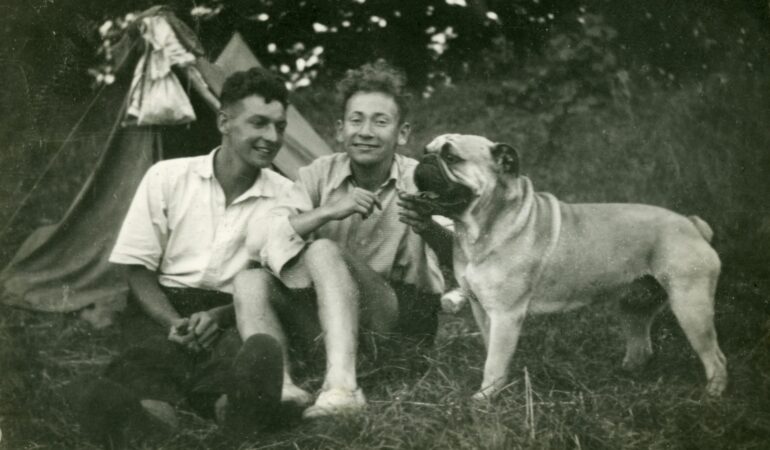

Black-and-white photos from years ago hold important memories, yet they frequently show signs of age. Scratches appear, colors shift or fade, details blur, and physical damage can ruin the overall look.
Fortunately, modern AI photo restoration apps now provide straightforward solutions. They use smart algorithms to clean up damage, bring in natural color, and improve sharpness — often in seconds.
We compared seven of the top apps—looking at features, capabilities, and ideal use cases—to help you pick the right one.
Top Apps to Try
We’ve picked seven apps that are worth considering. They all do a good job restoring and enhancing old black-and-white photos, but each one works a bit differently.
Some are built for speed. You upload a photo and get results in seconds. Others offer more control, with manual adjustments and advanced editing tools for when you want to tweak things yourself.
Below is a quick overview of each app, followed by a list of its main features.
1. Renew Photo
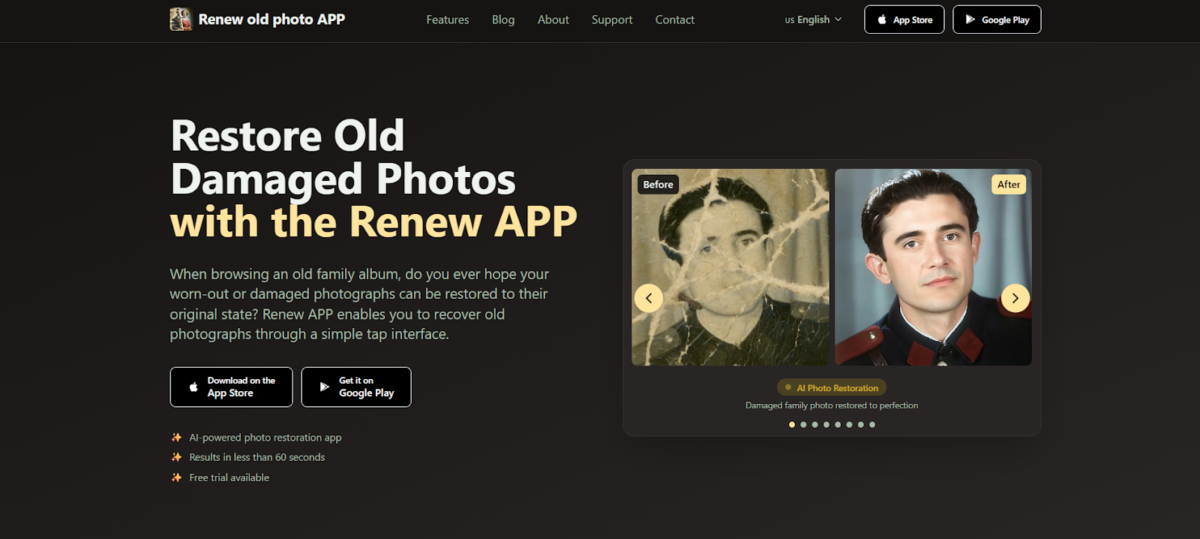
Renew Photo is built to revive old and damaged images with a single tap using AI. It doesn’t stop at automatic improvements — the app also includes manual adjustment features, allowing users to guide the restoration exactly as they want.
Processing times stay comfortably under 60 seconds. With a clear emphasis on preserving authentic details, it serves both first-time users who need something simple and those who look for more polished, customizable results.
Key features include:
- AI restoration for torn, faded, and damaged photos
- HD enhancement for sharper faces and clearer backgrounds
- Realistic colorization for black-and-white images
- One-tap removal of scratches, cracks, and creases
- Lighting fix for overexposed or underexposed photos
- Photo combining to merge multiple images
- AI animation that brings still photos to life
- Automatic and manual adjustment options
2. RetroFix
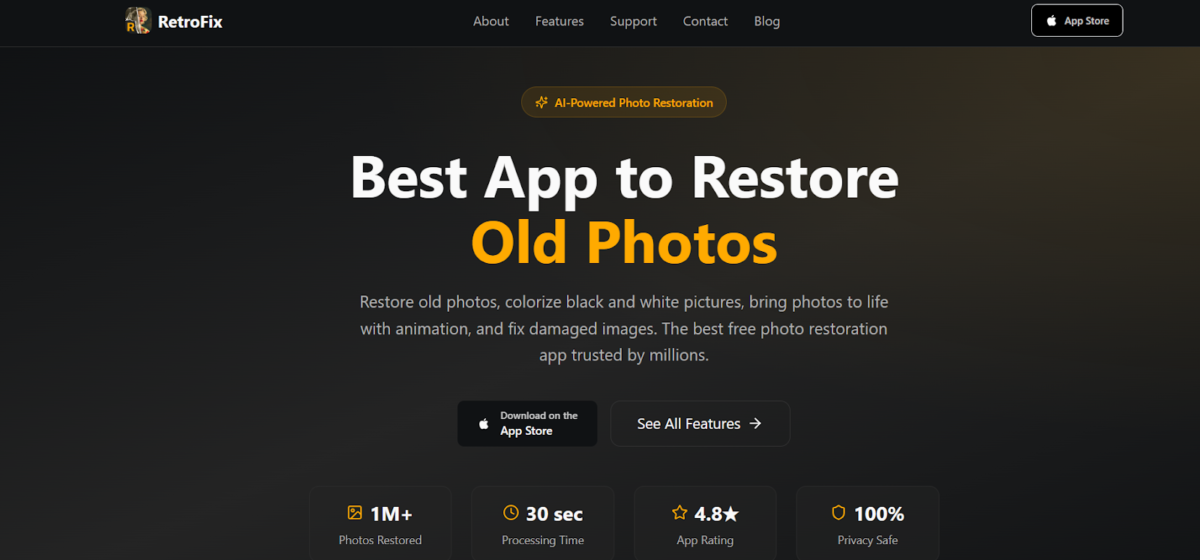
RetroFix offers a free and fast way to restore old images. Processing usually takes just 30 seconds, and the one-click approach removes most of the hassle.
What makes it especially approachable is its simplicity. Users can fix damage, colorize black-and-white pictures, and animate photos without any prior experience or technical knowledge.
What RetroFix offers:
- Restores torn, faded, and damaged photos automatically
- Colorizes black-and-white photos with natural hues
- Sharpens blurry old images for improved clarity
- Removes scratches and imperfections from vintage prints
- Renews old photos to look like new
- Animates still photos, bringing faces to life with movement
3. Canva
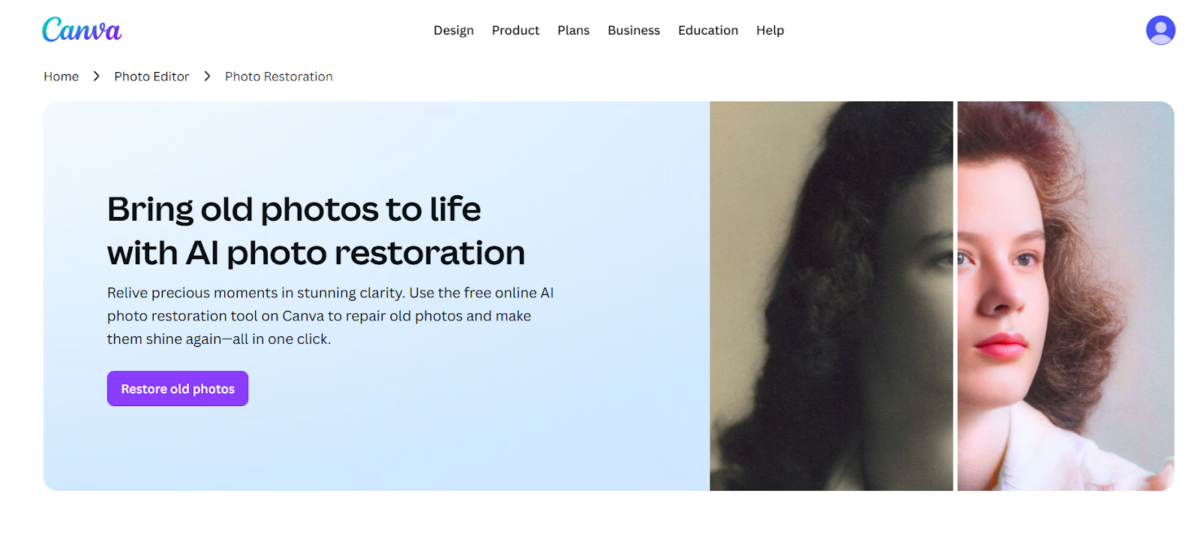
Canva doesn’t stop at fixing old photos — it combines smart AI restoration with a full design toolkit. That combination works especially well for anyone who plans to use the restored images in other projects.
On top of the AI fixes, the platform offers plenty of manual controls and adjustment sliders. Plus, there are thousands of ready-made templates for photo albums, presentations, and professional prints.
Restoration and editing capabilities include:
- Restores creases, tears, and discoloration in seconds
- Colorizes black-and-white photos with realistic colors
- Upscales images to higher resolution for printing
- Removes unwanted objects and details with Magic Eraser (Pro)
- Expands images in any direction with Magic Expand (Pro)
- Replaces elements in photos using AI-powered editing (Pro)
- Provides manual sliders for brightness, exposure, and white balance
- Offers templates for creating albums, gifts, and custom designs
4. Picsart
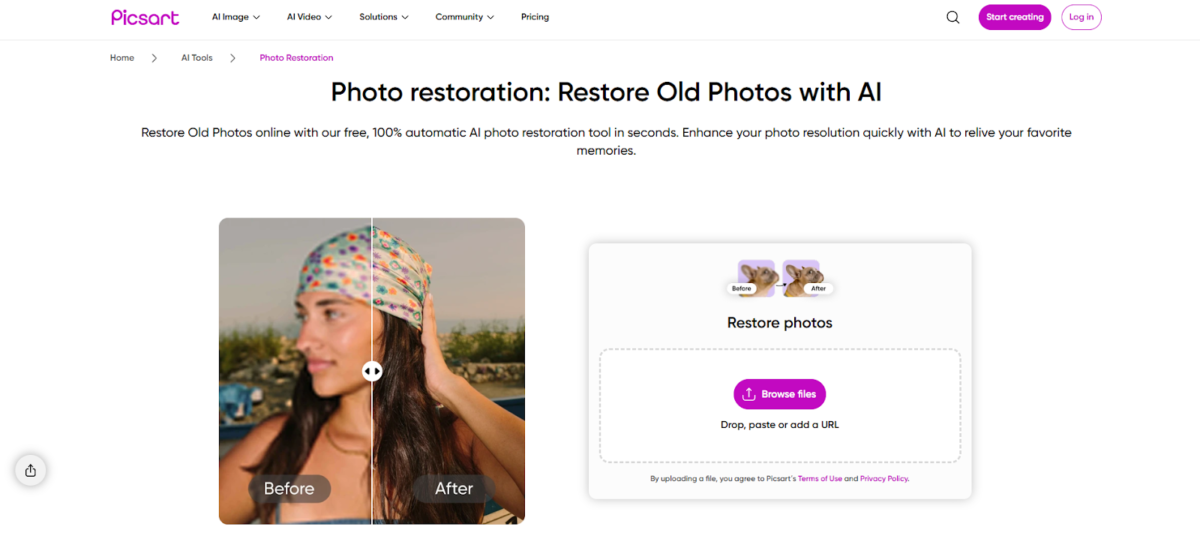
With Picsart, the AI restoration tool brings together automatic repairs and a wide set of editing options in one place. It deals effectively with scratches, discoloration, blur, and poor resolution, so the results can range from simple clean-ups to more polished work.
What adds real value is the batch processing capability. That feature saves a lot of time when you need to restore multiple photos or even complete albums at the same time.
Key capabilities include:
- Restores damaged, faded, and blurry photos automatically
- Removes unwanted objects, spots, and imperfections
- Upscales images to high resolution for crisp detail
- Colorizes black-and-white photos with realistic colors
- Processes multiple photos at once with batch editing
- Enhances facial details and sharpens clarity
- Provides advanced editing tools for fine-tuning results
- Exports in print-ready quality
5. Airbrush
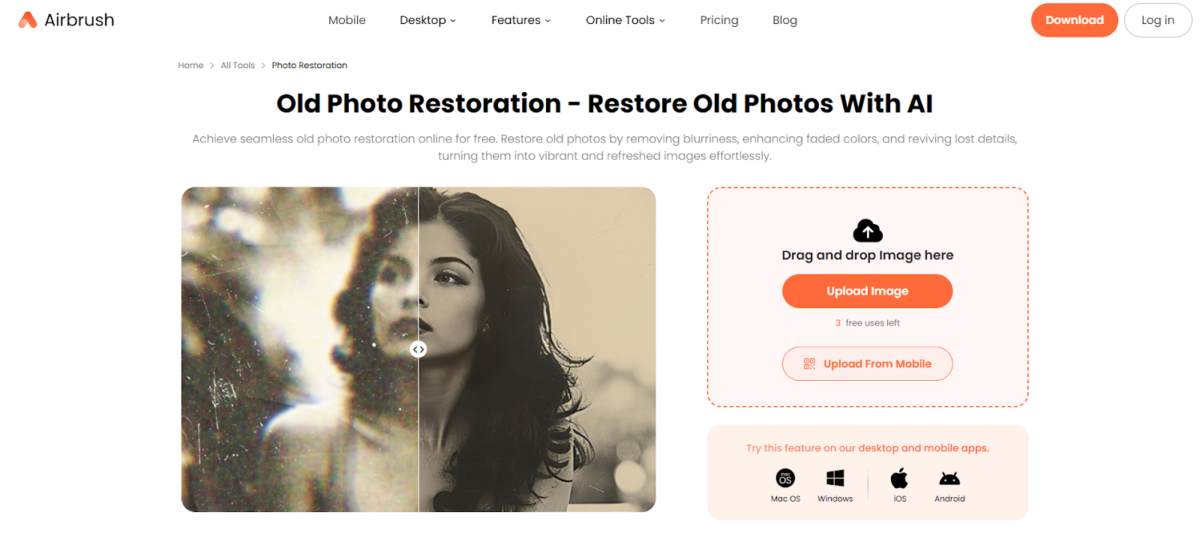
Airbrush is a free AI photo restoration tool focused on simplicity and speed. It offers one-click enhancement that removes blurriness, revives faded colors, and restores lost details without requiring any editing experience.
With a clean interface and quick processing, it is designed for users who want hassle-free results.
What Airbrush provides:
- Restores old photos with a single click
- Revives facial details and restores natural skin tones
- Corrects discoloration and revives faded colors
- Colorizes black-and-white photos
- Adjusts brightness and contrast automatically
- Processes images online or on mobile devices
- Offers free usage with three initial credits
6. MyShell
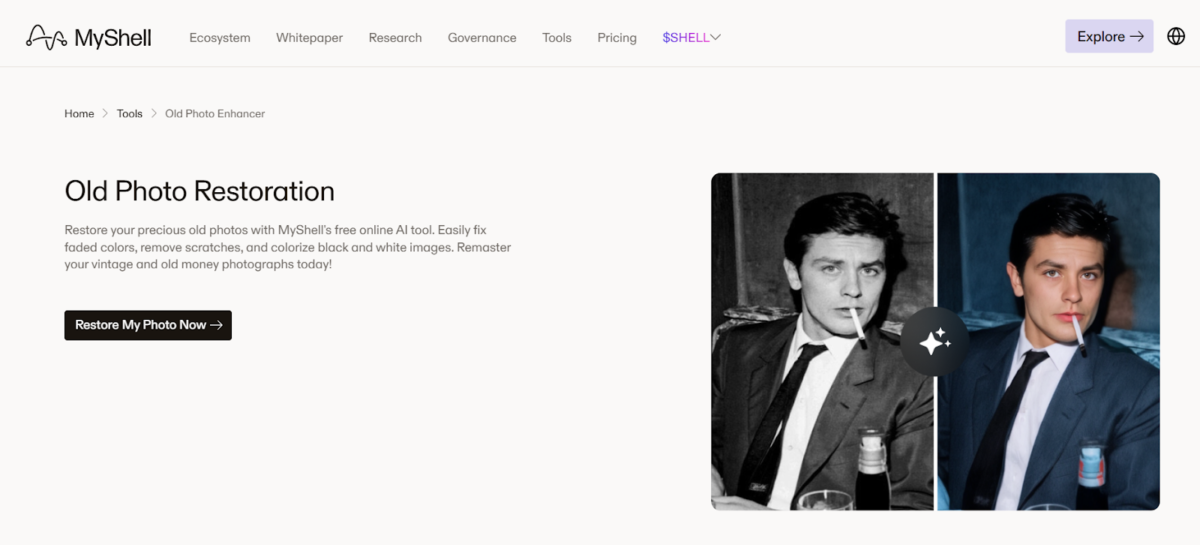
MyShell is a completely free online AI tool dedicated to old photo restoration and colorization. It specializes in repairing physical damage like scratches and tears, correcting color shifts in faded images, and digitizing film negatives.
With no watermarks, fees, or subscriptions, it offers a no-cost solution for preserving vintage photographs.
Features include:
- Restores faded and discolored photos
- Removes scratches, tears, and creases
- Colorizes black-and-white images
- Digitizes and enhances old film negatives
- Sharpens faces and improves overall clarity
- Delivers high-resolution results without watermarks
- Processes images in under 60 seconds
- Offers free usage with no subscription required
7. Nero AI Photo Restoration
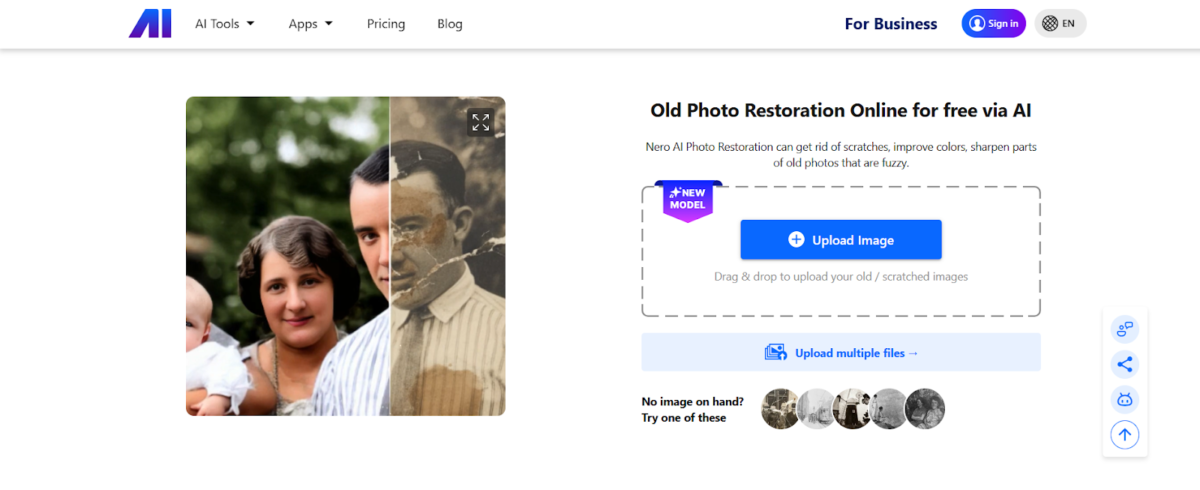
Nero AI Photo Restoration is built around three main strengths: colorization, restoration, and portrait enhancement. It handles old historical photos particularly well. Scratches and stains are removed cleanly, black-and-white images get realistic color added, and facial details come through much sharper and clearer than before.
You can use the service directly from any web browser. For mobile users, the Nero Lens app brings the same features right to your phone, which adds a nice layer of convenience.
Core offerings include:
- Colorizes black-and-white photos
- Removes scratches, stains, and signs of wear and tear
- Enhances facial details, skin tones, and portrait features
- Restores faded colors and improves overall image clarity
- Sharpens blurry or fuzzy areas
- Processes images with an average time of 31.5 seconds
- Available on desktop and mobile platforms
What to Look for in Enhancement Apps
Not all apps are the same. Here’s what to keep in mind.
- Restoration Scope – Match the app to your photos. Some handle scratches best. Others focus on colorization or face enhancement.
- Processing Speed and Batch Capabilities – Most apps finish single photos in under a minute. Batch processing is essential for entire albums.
- Privacy and Data Handling – Know whether images are processed locally or uploaded. Check policies on AI training.
- Manual Controls vs. Fully Automatic – Automatic apps are one-click and simple. Hybrid apps give you sliders to fine-tune results.
- Output Quality and Resolution – Low resolution is fine for social media. Printing needs high-resolution exports.
- Pricing Model – Free apps suit occasional use. Subscriptions are better for regular restoration.
- User Interface and Ease of Use – Prioritize easy uploads and clear previews. Avoid apps that are overly complicated.
Conclusion
The right app really depends on your situation.
Maybe speed is all that matters. Maybe you want manual adjustments so you can dial things in yourself. Or maybe you need batch processing because you’ve got dozens of photos waiting.
Free apps do a solid job for basic restoration. But if you’re working on a bigger project, subscription-based tools usually give you more. Better resolution. More features. And the ability to process multiple images at once.
Look at what your photos need. Consider the quality you’re aiming for. And make sure the app is actually easy to use—because no one wants to wrestle with a confusing interface.
Get those things right, and you’ll have a tool that brings your old photos back to life without the headache.
Leave A Comment